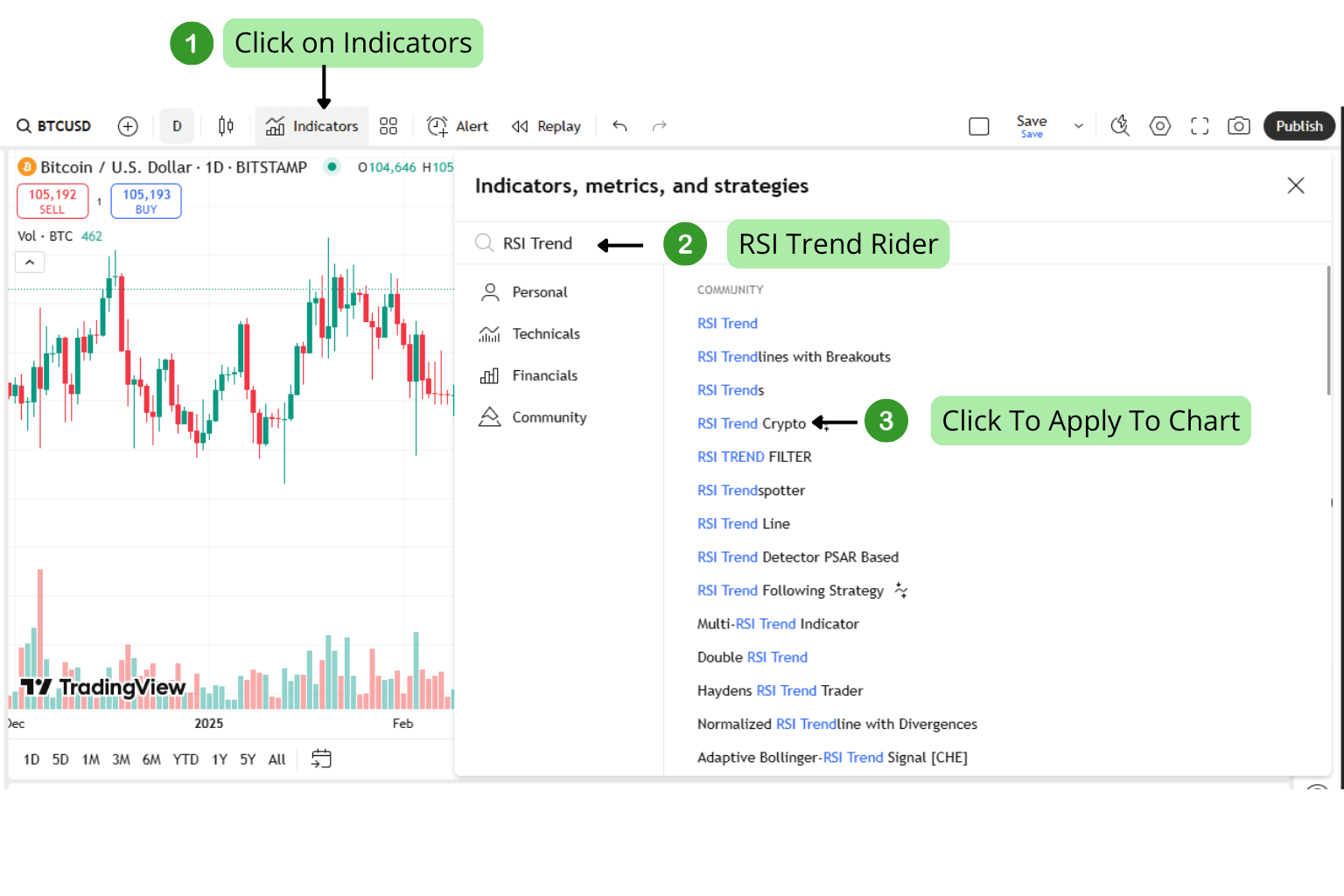
How to Use This Strategy on TradingView
1. Create or Log into Your TradingView Account
Visit TradingView.com and sign up or log in to your existing account.

2. Open a Chart
Once logged in, click on "Chart" from the main menu to open the charting interface.

3. Search for the Strategy Script
In the indicators tab (fx icon), type the name of the strategy (e.g. RSI Trend Rider) to find and apply it.
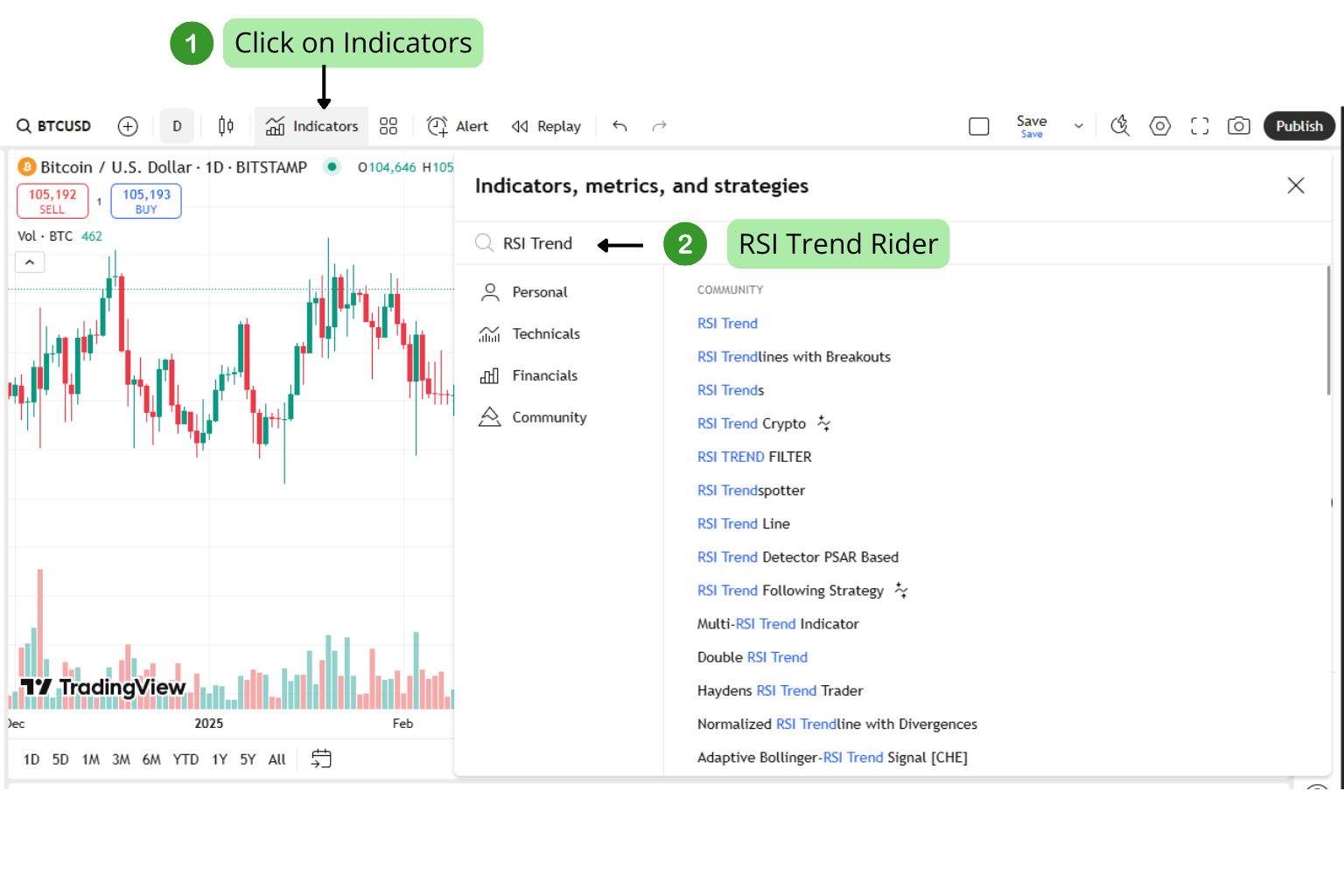
4. Add the Strategy to Your Chart
Click on the strategy name in the list to apply it to your current chart. The system will automatically load with default settings.